
 Spot HR
Sick Leave Tracking for Small Businesses: A Practical Process for Unplanned Absence
Posted August 26, 2026 by Spot HR ‐ 10 min read
Sick leave is different from planned holiday. It arrives without much warning, affects cover immediately, and needs to be handled with both care and consistency. A simple sick leave tracking process helps a small business support the employee, inform the right people, and keep an accurate record without turning illness into unnecessary admin.
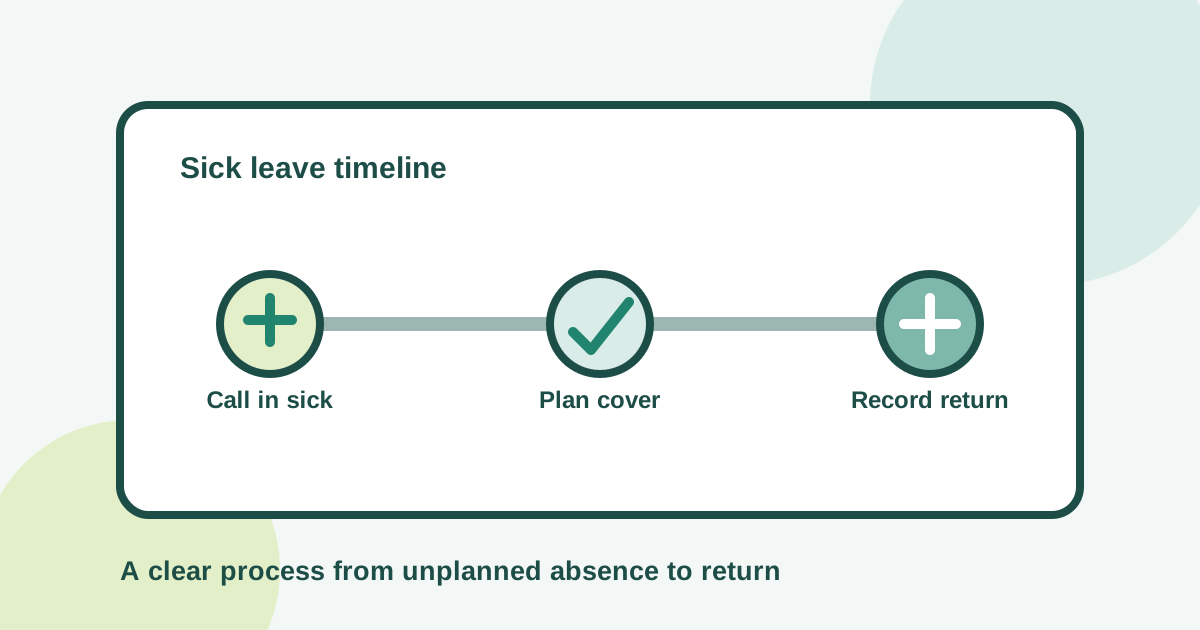
Sick leave needs a different workflow from planned holiday
A holiday request usually gives a manager time to review dates, plan cover, and agree a handover. Sickness often begins with a message shortly before the working day. The employee may not know how long they will be away, and the manager may need to reorganise work immediately.
That uncertainty is normal. The process around it does not have to be confusing.
When sick leave is recorded through chat, email, a spreadsheet, and someone’s memory, basic questions become difficult to answer. Has the absence been recorded? Who knows the employee is unavailable? Is the sick period still active? Which work needs cover? Can the business see whether unplanned absence is increasing?
A useful sick leave tracking process separates three jobs:
- Immediate communication: the employee reports that they cannot work.
- Operational response: the manager arranges cover and shares only what the team needs to know.
- Accurate recording: the business records the absence from its start through the employee’s return.
This is not about making illness feel like an approval exercise. It is about giving employees a clear route to report sickness and giving managers dependable information for planning.
What is sick leave tracking?
Sick leave tracking is the process of recording when an employee is unable to work because of illness, keeping the status current, and closing the absence when they return.
For a small business, a practical record usually needs:
- the employee and their manager
- the date the sick period started
- whether the absence is still active
- the date it ended, once known
- the leave type used for reporting
- enough status information to support staffing and reporting
- any separate follow-up required by company policy or local rules
The record should be useful without collecting unnecessary medical detail. Managers need to know that someone is unavailable and what work needs attention. They do not automatically need a diagnosis shared in a team calendar or group chat.
Employment and privacy requirements vary by country and situation. Define your policy with appropriate local advice, then make the everyday reporting steps simple enough that employees and managers can follow them consistently.
Why spreadsheets and chat messages break down
A message such as “I am unwell today” may be all a manager needs to respond kindly and arrange immediate cover. It is not, by itself, a reliable absence record.
Manual sick leave tracking tends to create recurring gaps:
- the manager sees the message, but the person maintaining HR records does not
- the spreadsheet records a start date but no return date
- different managers use different absence categories
- sickness is deducted from annual holiday by mistake
- the team calendar reveals more information than colleagues need
- reports are incomplete because short absences were never entered
- an employee has to repeat the same update to several people
A spreadsheet can store dates, but it cannot ensure that the call-in, manager notification, live status, return, and reporting steps stay connected. Dedicated leave management software for small teams gives employees and managers one workflow instead of asking someone to reconcile several channels later.
Build a clear sick leave process
The best process is short enough to use on a difficult morning. Employees should not need to search a long handbook before they can tell the business they are ill.
1. Define one call-in route
Tell employees where and when to report sickness. The route may be an HR system supported by a direct message or phone call when urgent cover is needed. What matters is that the policy identifies the responsible manager and the system where the absence becomes an official record.
Keep the initial request proportionate. At the start, the business normally needs to know:
- that the employee cannot work
- when the absence began
- whether they can give a reasonable indication of the likely duration
- whether urgent work or customer commitments need reassignment
- how the next update will happen
Avoid requiring a detailed medical explanation in a general-purpose message. If documentation or a more formal conversation becomes necessary under policy or local law, handle that through the appropriate private route.
2. Record an open sick period
An employee may know they are unwell today without knowing whether they will return tomorrow. Forcing an estimated end date can create a false record and extra corrections.
A better workflow allows the sickness period to remain active. Record the start, make the current absence visible to the appropriate people, and add the end date when the employee returns. This creates a clearer answer to the practical question, “Is this person currently away?”
Spot HR includes a Call in sick action that starts an active sick period and an End sick leave action that closes it. The workflow can notify managers when sickness starts and when the employee returns. Sick leave can also be configured as a non-deductible leave type, so it is tracked without reducing annual holiday balances.
3. Give the manager a cover checklist
Recording the absence is only one part of the response. The manager needs to protect the employee’s recovery time while keeping essential work moving.
Use a short operational checklist:
- identify customer, deadline, or safety-critical work that needs attention
- assign temporary owners only where necessary
- move or cancel meetings that cannot proceed
- tell relevant colleagues that the employee is unavailable
- avoid sharing health details the team does not need
- agree when the manager should expect the next status update
The manager should not ask an ill employee to produce a full handover. Good day-to-day documentation and shared ownership make unplanned cover easier. If every absence causes a search for passwords, files, and project status, that is a wider operating-process problem.
4. Close the absence when the employee returns
Open-ended records are useful while the duration is unknown, but they must be closed. Otherwise, dashboards and reports continue to show the employee as away and the absence duration becomes inaccurate.
Make return reporting as easy as calling in sick. The employee or responsible administrator should confirm the return date through the normal workflow. The manager can then restore work ownership and carry out any check-in required by company policy.
A return-to-work check-in does not need to be formal in every situation. Its purpose may simply be to welcome the employee back, confirm they are ready to resume work, share important updates, and identify any agreed support. Longer or repeated absence may require a different process, guided by policy and local requirements.
Keep sickness separate from annual leave
Annual holiday and sick leave both involve time away, but they serve different purposes.
Holiday is generally planned and deducted from an allowance. Sickness is unplanned and may need to be tracked without reducing that allowance. Combining both in one generic “days off” column creates unclear balances and weak reporting.
Configure a distinct sick leave type and decide whether it is deductible or non-deductible according to your policy. Spot HR supports organisation-level leave types, annual allowances, and deductible or non-deductible settings. Employees can see their remaining leave by type, while managers and administrators can work from the same request and absence data.
Clear categories also improve reporting. A rise in annual holiday during summer is not the same operational signal as a rise in unplanned sickness. Keeping them separate lets the business respond appropriately rather than treating all absence as one number.
Give managers visibility without oversharing
Managers need enough visibility to plan work. Employees need confidence that personal information is handled carefully. Both goals can coexist.
A practical visibility model is:
- Employees can view their own leave records and balances.
- Managers can see the team information needed for cover and relevant requests.
- Administrators can configure leave types and review organisation-level reporting.
- Colleagues receive only the availability information needed to coordinate work.
A shared calendar does not need to contain a diagnosis or private explanation. “Unavailable” or an approved internal absence label is often enough for team planning.
Role-based views become more important as the business grows. An up-to-date manager relationship and small-business org chart help route information to the people responsible for the employee rather than broadcasting it widely.
Use sick leave data carefully
Accurate records make patterns visible, but a dashboard should start a question, not deliver a verdict.
Useful sick leave reporting can help a small business see:
- how many sickness absences occurred in a selected period
- whether unplanned absence is rising or falling
- which weeks created the most cover pressure
- whether current records still contain open sick periods
- how sickness compares with other leave types
Spot HR’s leave analytics includes a sick leave count, absence rate, leave type breakdown, who-is-off view, and peak absence weeks for a selected period. Admins can use practical ranges such as this month, last quarter, this year, or a custom range, and export the who-is-off list as CSV.
Numbers still need context. Several absences may reflect a seasonal illness, a small team where one event changes the percentage sharply, or a period of genuine workload pressure. Avoid using a single metric to label an employee or make a sensitive people decision. Review the facts, follow policy consistently, and have a human conversation where appropriate.
Our guide to leave analytics for small businesses explains how to review absence data without creating an oversized reporting process.
A sick leave tracking checklist for small businesses
Use this checklist to review your current process.
Policy and communication
- employees know exactly how to call in sick
- the reporting route and responsible manager are clear
- the policy explains when the next update is expected
- private health information is not requested or shared unnecessarily
- any documentation rules reflect applicable local requirements
Recording and workflow
- sickness has its own leave type
- an active sick period can be recorded without guessing the end date
- the correct manager is informed
- annual holiday is not reduced unless the policy and applicable rules require that treatment
- the absence is closed promptly when the employee returns
Manager response
- urgent work has a temporary owner
- colleagues receive only the availability details they need
- the employee is not asked to manage normal work while off sick
- return-to-work follow-up is proportionate and consistent
- repeated or longer absence follows the appropriate private process
Reporting
- open sickness records are reviewed for accuracy
- sick leave is reported separately from planned holiday
- managers check current team availability
- administrators review trends over a useful period
- metrics are interpreted with context, not used as automatic conclusions
How Spot HR supports sick leave tracking
Spot HR connects sickness reporting to the wider leave management workflow. Employees can call in sick to start an active period and end sick leave when they return. Managers receive workflow notifications, while the organisation can keep sick leave separate from deductible holiday through leave-type configuration.
The same system also supports working hours, public holidays, employee leave requests, manager review, leave balances, and admin leave analytics. This matters because sickness should not live in an isolated spreadsheet. Current absence affects team planning, while accurate historical records improve reporting.
For startups, scaleups, and small businesses, the goal is not an enterprise absence programme. It is one dependable route from call-in to return, with appropriate visibility at each step.
Explore Spot HR’s leave management features, see leave management for small teams, or sign up for Spot HR to replace scattered absence updates with a connected process.
Final takeaway
Good sick leave tracking is clear, considerate, and current. Give employees one simple way to report sickness, allow an absence to remain active until the return date is known, tell managers what they need for cover, and close the record promptly when the employee comes back.
Keep sick leave separate from annual holiday, limit personal information to the people who genuinely need it, and use reporting to improve planning rather than jump to conclusions. A small business does not need a complicated system. It needs a process that still works when the day does not go to plan.